Show evidence, not verdicts
Each result states what was observed, what it means, and what the owner can do next. Browser-only and professional-review tasks remain clearly labeled.
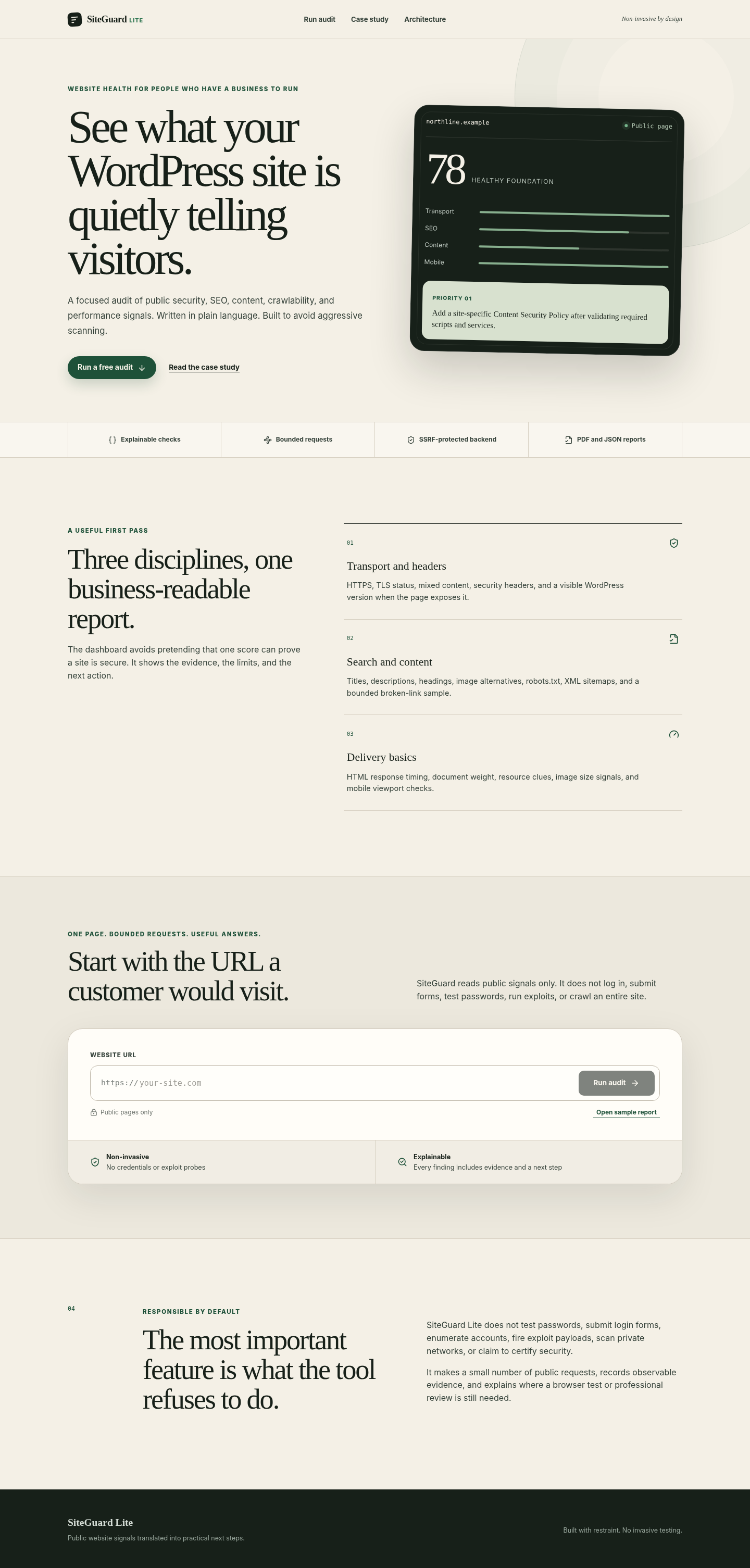
SiteGuard Lite was designed for small teams that need a useful first review without the fear, noise, and false certainty common in automated security reports.
The site has a sound foundation, with a small number of issues worth addressing before they become expensive.
A WordPress owner may know that a site feels slow or has not been maintained, but the usual tools speak in lab metrics, generic grades, or alarming vulnerability language.
The product brief was to create a calm first-pass report that helps an owner and a developer discuss the same issues. It had to cover visible security posture, search basics, content structure, crawl signals, and delivery clues without crossing into penetration testing.
Each result states what was observed, what it means, and what the owner can do next. Browser-only and professional-review tasks remain clearly labeled.
The backend rejects local and reserved networks, validates redirect destinations, limits response sizes, uses timeouts, caps link and image samples, and rate-limits repeated audits.
Audit checks are typed, grouped by category, scored from weighted findings, and returned as a stable report model that supports the dashboard, JSON export, and PDF output.
Starts from the page a customer actually sees
Server-side fetch with URL normalization, DNS checks, manual redirect validation, timeouts, and body limits
Makes missing browser protections understandable
HTTPS, certificate metadata, mixed content, CSP, HSTS, framing, MIME, referrer, and permissions checks
Flags avoidable platform disclosure without overstating certainty
Generator, REST link, wp-content, wp-includes, and version query observations
Gives marketing and development teams one shared backlog
Title, description, canonical, H1, alt coverage, internal link sample, robots.txt, and sitemap checks
Surfaces expensive page-builder and media habits early
HTML timing and weight, markup resource counts, image header sample, intrinsic image dimensions, and viewport signals
Lets an agency or owner keep a client-ready record
Browser-generated PDF plus complete JSON export from the same typed report object
siteguard.local

siteguard.local/sample-report
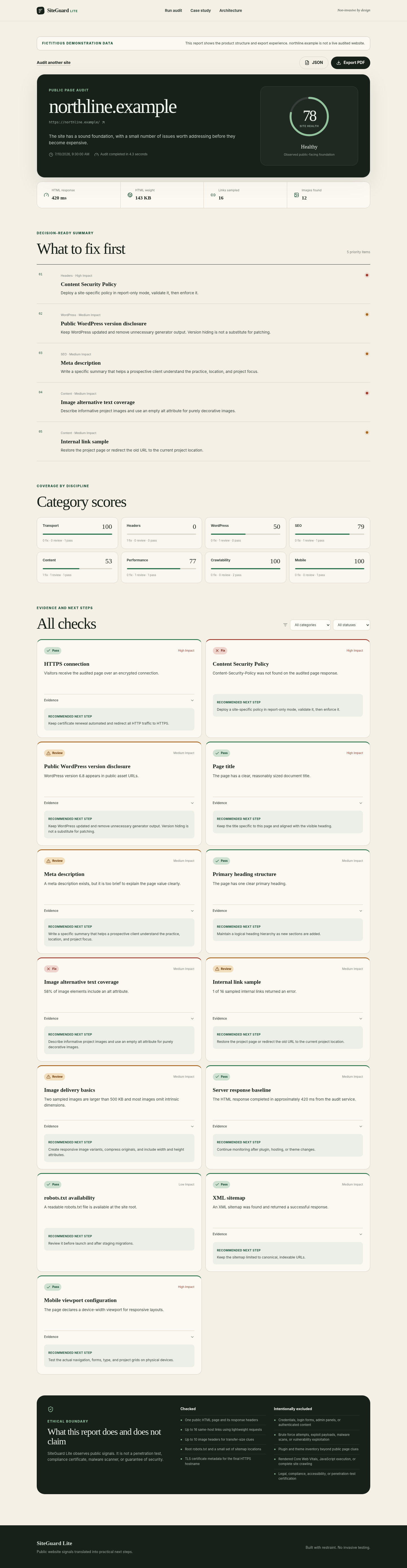
The public basics are mostly sound. The largest gains come from browser protections, image accessibility, and media delivery.
Deploy a site-specific policy in report-only mode, validate it, then enforce it.
Keep WordPress updated and remove unnecessary generator output. Version hiding is not a substitute for patching.
Write a specific summary that helps a prospective client understand the practice, location, and project focus.
Describe informative project images and use an empty alt attribute for purely decorative images.
Review every finding, filter the checks, and test the PDF and JSON export experience.
Passing checks are visible, so the report does not manufacture urgency.
Failed and review items are ranked by impact instead of presented as an undifferentiated checklist.
Each finding includes a specific recommendation written for a real maintenance backlog.
The scope panel names the areas that require browser testing, a full crawl, authenticated review, or professional assessment.
Server-rendered product pages, typed API routes, responsive dashboard, and metadata routes.
Cheerio parsing, DNS-pinned Undici requests, TLS inspection, bounded concurrency, and deterministic scoring.
One typed structure feeds the UI, filters, priorities, PDF export, and JSON download.
Security headers, health endpoint, Docker build, CI checks, strict TypeScript, rate limiting, and no required third-party service.